



Libraries, not one big drive
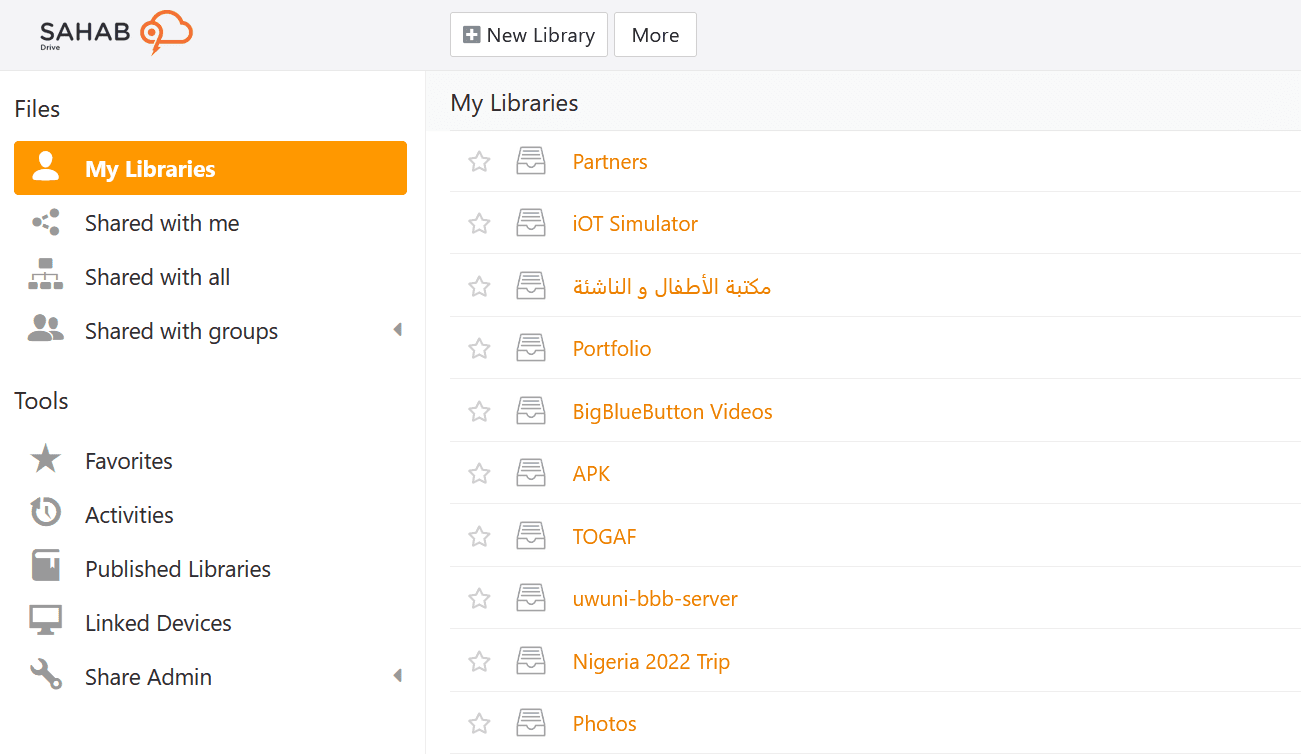
A library is a folder tree with its own members, its own permissions and its own sync setting. Sync the two you work in daily and leave the archive on the server.

File sharing and sync
Run, hosted and supported by RIADVICE
SahabDrive keeps the files your team works on in sync on every device, and lets you organise them by properties you define rather than by whichever folder someone dropped them in.
Hosted for you, or installed on servers you own.
Features
On every plan, including the free one
Storage that syncs, documents several people can edit at once, and a place to write down how any of it works. One login and one set of permissions cover all three.
A library is a folder tree with its own members, its own permissions and its own sync setting. Sync the two you work in daily and leave the archive on the server.
Windows, macOS, Linux, Android and iOS. Work offline and let the changes catch up when you reconnect.
History is stored the way a code repository stores it, and it does not come out of your quota. What you are charged for is the files you have now, not the thirty or ninety days of versions sitting behind them.
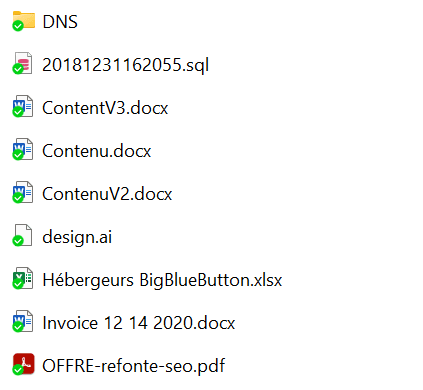
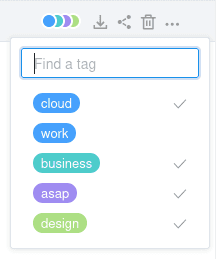
Give files properties that suit your work, then read the same library as a table, a gallery, a kanban board or a set of cards.
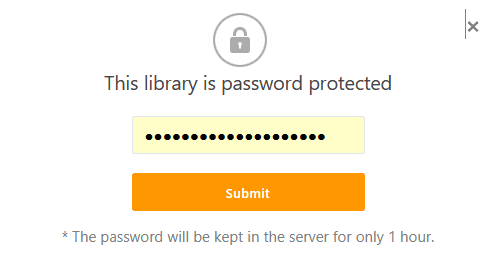
Mark a library encrypted and the desktop and mobile apps encrypt it before it leaves your machine, so what we store is blocks we have no key for. Open that library in a browser and you hand the server the password to decrypt it for you, so stay in the apps when that matters.
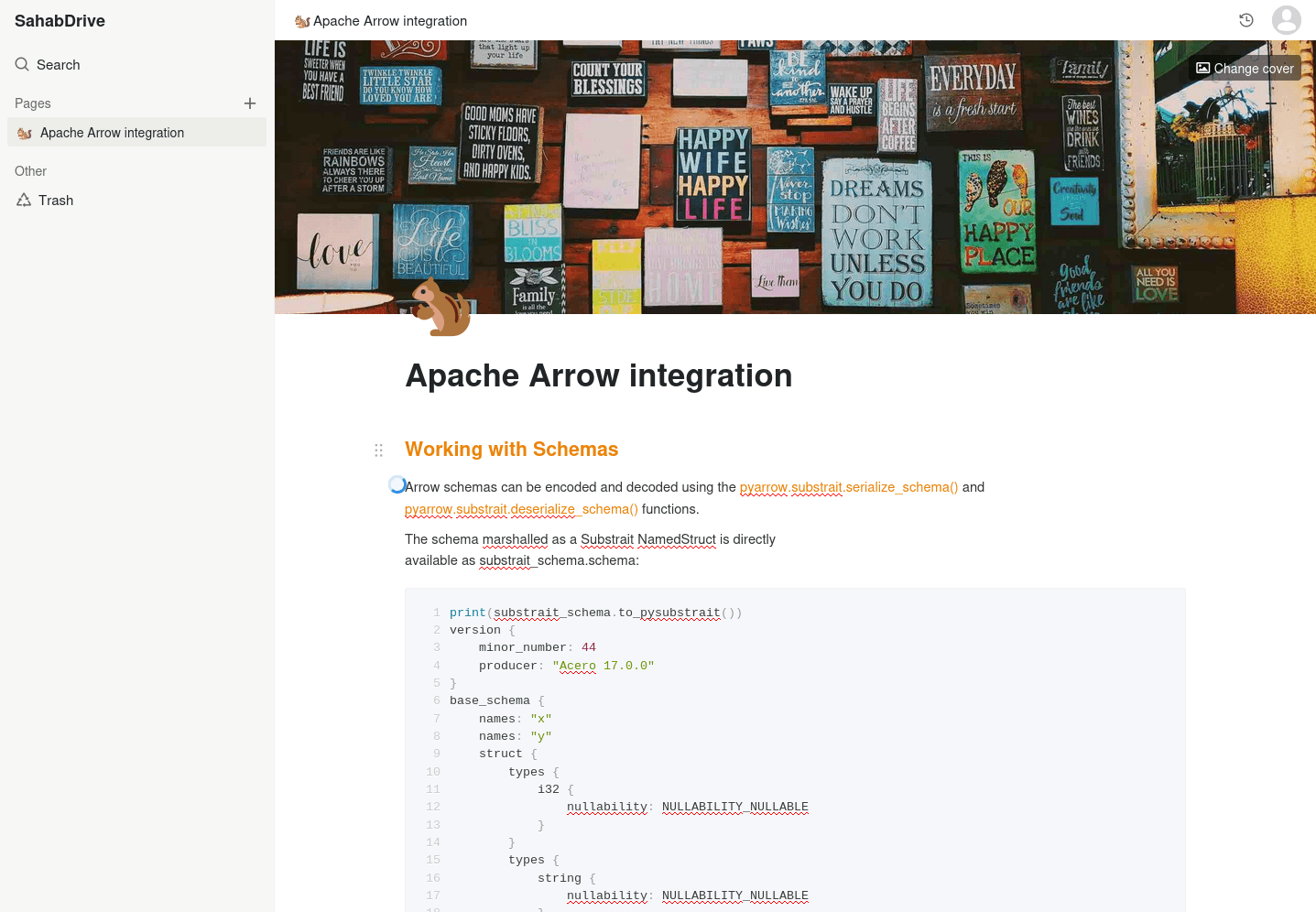
Write documentation where the files already are. Hierarchical pages, rich content, and the same permissions as everything else.
Benefits
What this gets you day to day
Files, the documents written about them and the wiki explaining the process all sit behind the same login and the same permissions.
Every save is kept. Open an earlier version, compare it, restore it, and pull back files deleted from the trash.
Share a whole library, or a single folder inside it, read only or read and write, with a person or a group. What you did not share stays out of sight.
Write in Markdown or in the rich editor, with several people in the same document at once, revision history and export to HTML or PDF.
Every library keeps an activity trail, and notifications reach you when the files you care about move.
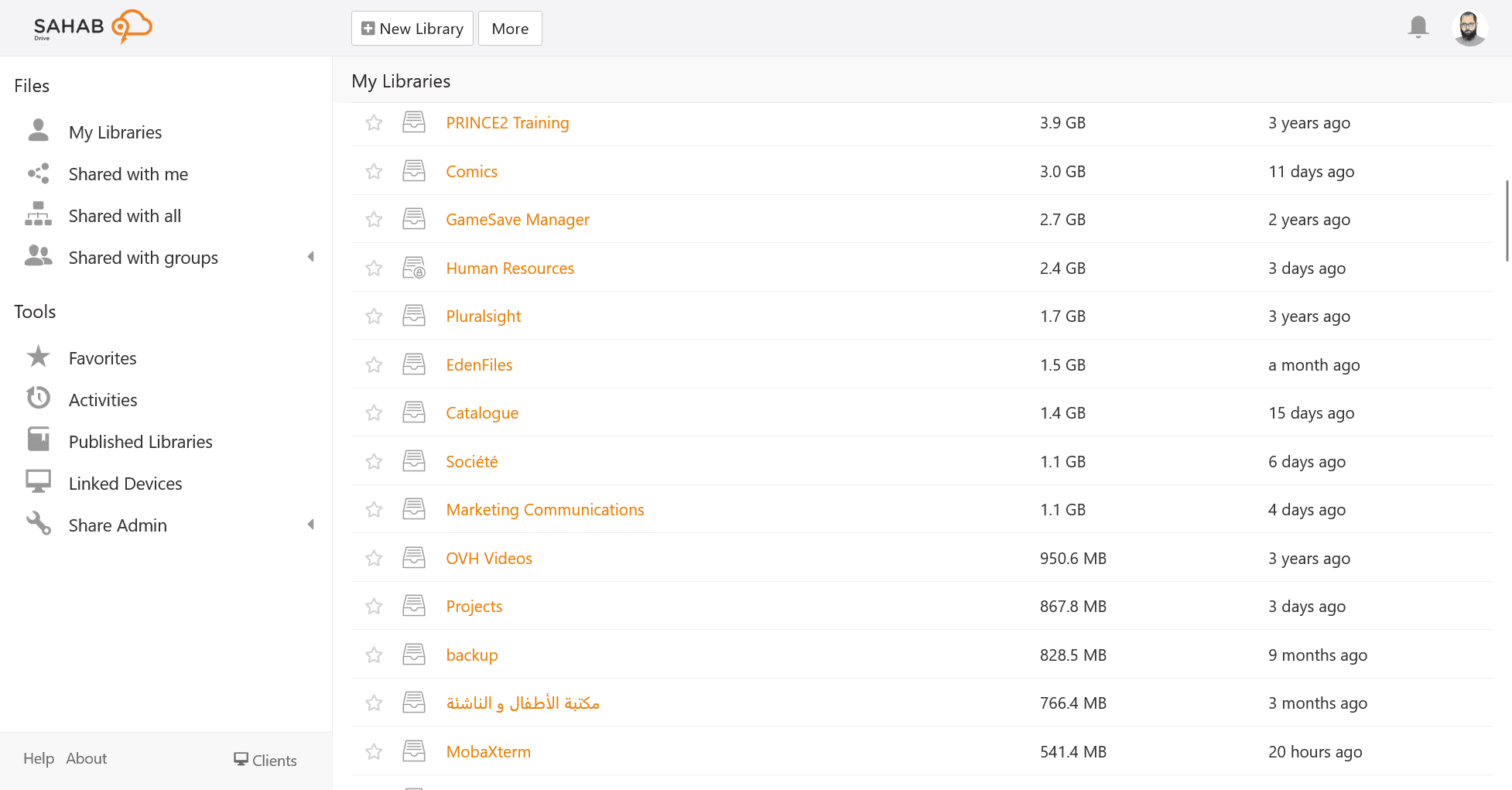
The Drive client mounts everything as a drive and fetches each file as you open it. Where a machine should really hold the files, sync those libraries instead and work with no connection at all.
Pricing
Storage, history and support differ. Nothing else does.
Rather keep it in your own building? SahabDrive can be installed on servers you own and control, which most services of this kind will not do at any price. Tell us what you need and we will work it through with you.
Questions
Asked before you ask
What the free plan gives you, what it takes to run it on your own servers, and how you would leave if you wanted to.
Yes. A free account gives you 2 GB, up to 5 GB with a referral, and it does not expire. It is meant for individuals and small teams who want to see what SahabDrive is like before deciding anything.
Yes. SahabDrive can be installed on infrastructure you own and control, which is what organisations with strict security or compliance requirements usually need, and what most services of this kind will not do at all. Use the contact form and tell us the shape of it, and we will work through what that looks like.
Install the desktop app, sync the libraries, and every file is in an ordinary folder on your own machine, in the format it arrived in. Documents written here export to Markdown, HTML or PDF. That holds on the free plan as much as on a paid one.